
RTTy

technical examples / current app contracts

What the current RTTy surfaces actually show.

These examples use generic host identity and synthetic values. Labels, layouts, defaults, and chart compatibility follow the current macOS implementation. Every visual follows the effective website theme.

theme-paired interface capture

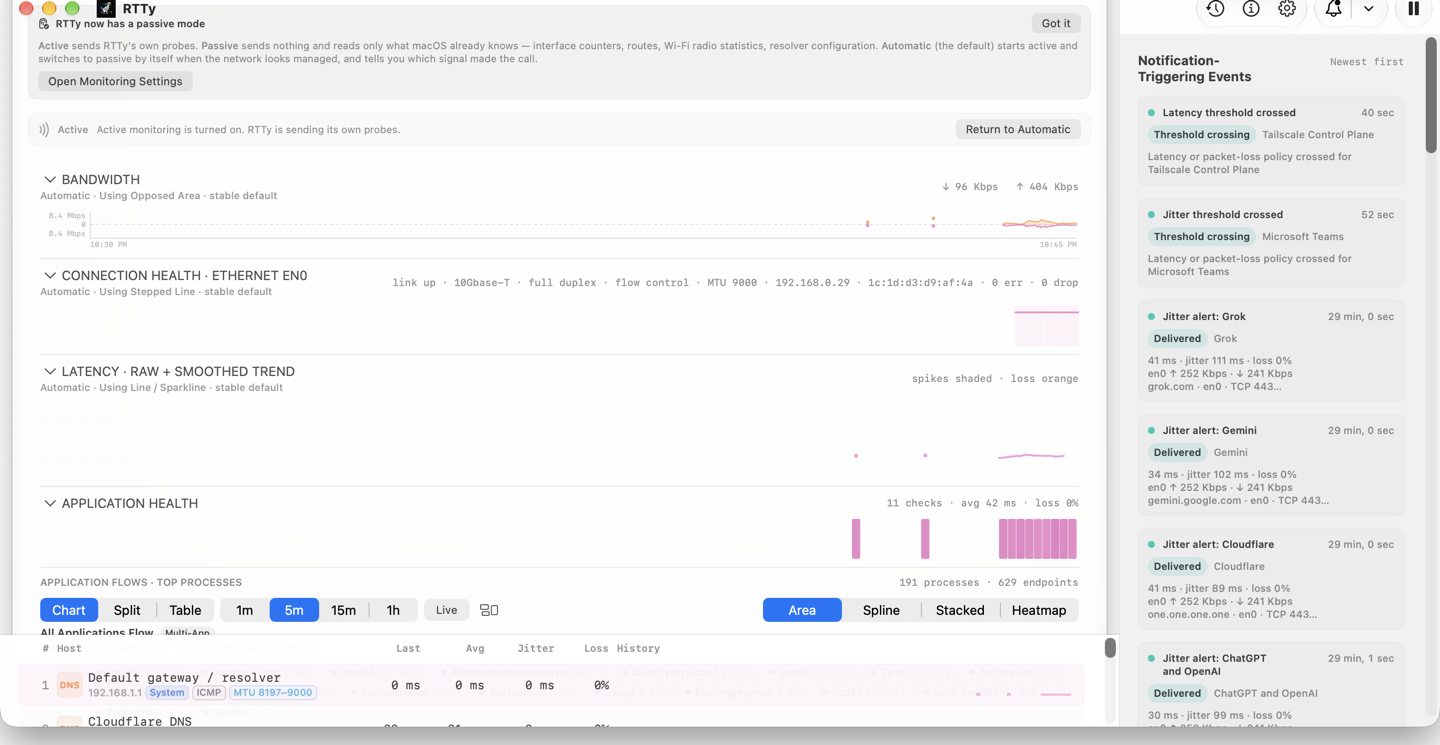
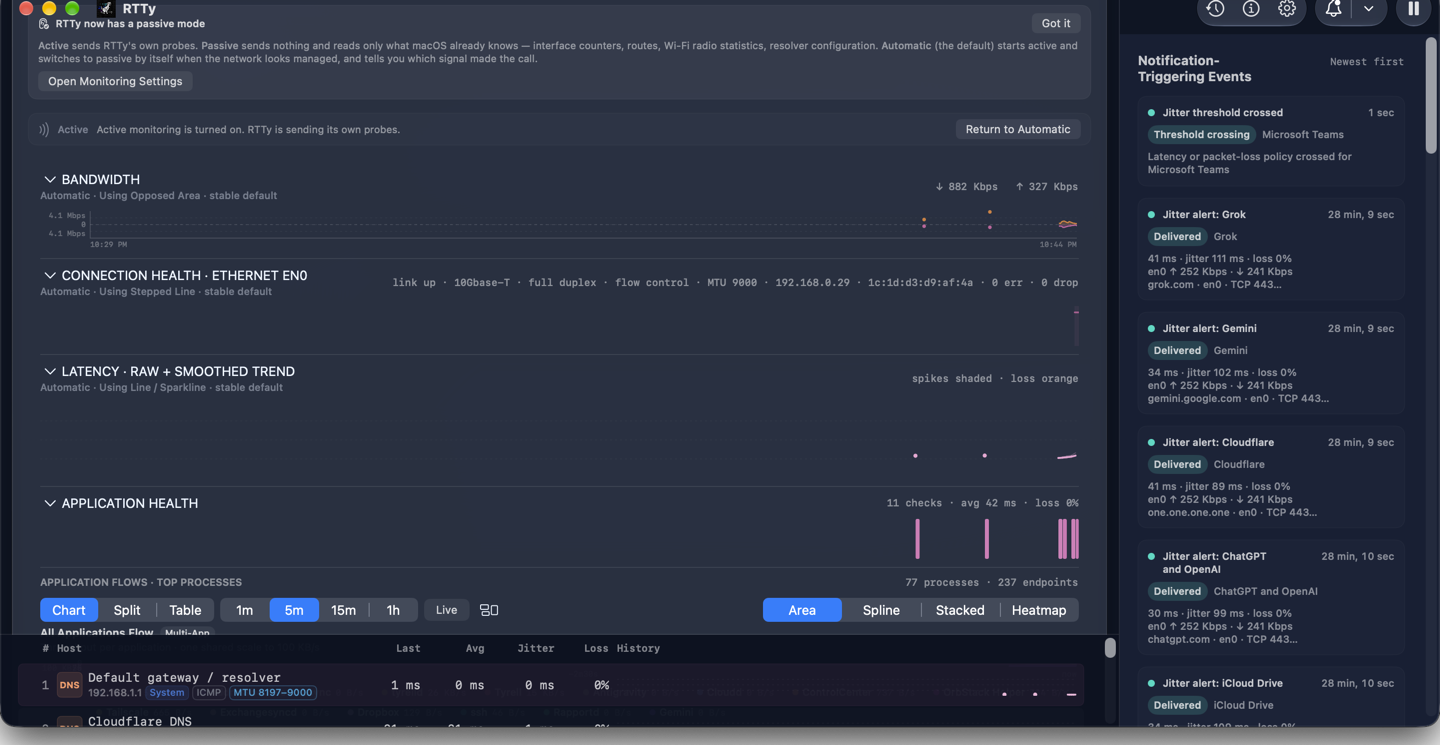
Dashboard

light asset / dark asset
System follows the device preference; Light and Dark override it.

macOS / default status item

Latency above a fixed-width transfer readout

The stable default is Average + transfer — two lines. The first line is average latency; the second is download then upload. The monospaced slot is reserved so changing units do not move neighboring menu-bar items.

macOS / dashboard charts

Different data shapes keep different chart semantics

Bandwidth is a paired download/upload series, so it supports Opposing Area and Mirrored Bars. Overall latency supports Heatmap and line views. Application Health is a separately aggregated series for enabled application checks.

BANDWIDTHOPPOSING AREA · ↓ 38 Mbps · ↑ 5 Mbps
BANDWIDTHMIRRORED BARS
LATENCYHEATMAP · darker = higher RTT · orange = measured loss
APPLICATION HEALTHAGGREGATE ENABLED APPLICATION CHECKS

macOS / settings

Theme, charts, and status-item contents are separate choices

Appearance changes preview immediately and can be reverted. Status-item graph enablement, component order, chart style, palette, and width remain explicit.

Dashboard & Dropdown

Color modeSystem ▾
BandwidthAutomatic · Overlay Area
LatencyHeatmap
Application HealthLine / Sparkline

Status Item

Average latency
Upload/download · Two lines
Application Health graph

scope note

iOS is local-first; Nearby is optional

The current mobile build performs bounded local path and service probes and retains local health history while the app is active. A paired Mac can add authenticated Nearby snapshots, but it is not required for the mobile app to produce observations. Optional private iCloud sync can carry settings and a per-device health projection between your own devices; it is off until you enable it. This page keeps the detailed visual examples on the broader macOS implementation.